Manage your payment & billing at fiskaly HUB
Ce contenu n’est pas encore disponible dans votre langue.


fiskaly HUB just got more powerful. Here is a quick look at what is new and how it helps you manage your account with greater ease and independence.
Smarter account management — built around you
Section titled “Smarter account management — built around you”We are excited to share the latest update to your dashboard, fiskaly HUB. As your central portal for all account-related topics, the HUB is continuously evolving — and this release brings a meaningful step forward in giving you more autonomy and flexibility, so you can focus on what matters.
Everything you need, in one place
Section titled “Everything you need, in one place”The updated HUB brings together all relevant billing information in a single, clearly structured overview. Here is what you can access at any time:
- Contracts and pricing conditions
- Invoice history and current billing details
- Payment method management
- User and admin access settings
No more back-and-forth — everything is available to you directly, whenever you need it.
New: Manage your payment method with ease
Section titled “New: Manage your payment method with ease”With this update, you can add and adjust your preferred payment method directly within the HUB. Choose between SEPA direct debit and credit card, based on what suits your business best. Changes can be made independently and at any time, giving you full flexibility without any unnecessary steps. Your dedicated fiskaly contact, of course, remains on hand should you need support.
Step 1. Log into your account at hub.fiskaly.com.
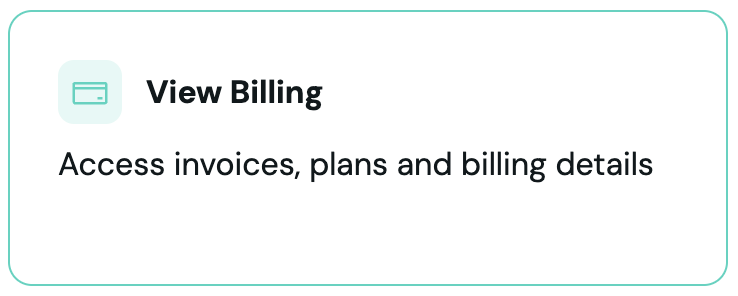
Step 2. Access the billing section by clicking on “View Billing”.
Step 3. Navigate to the billing page and start the process by clicking “Update Payment Method”.
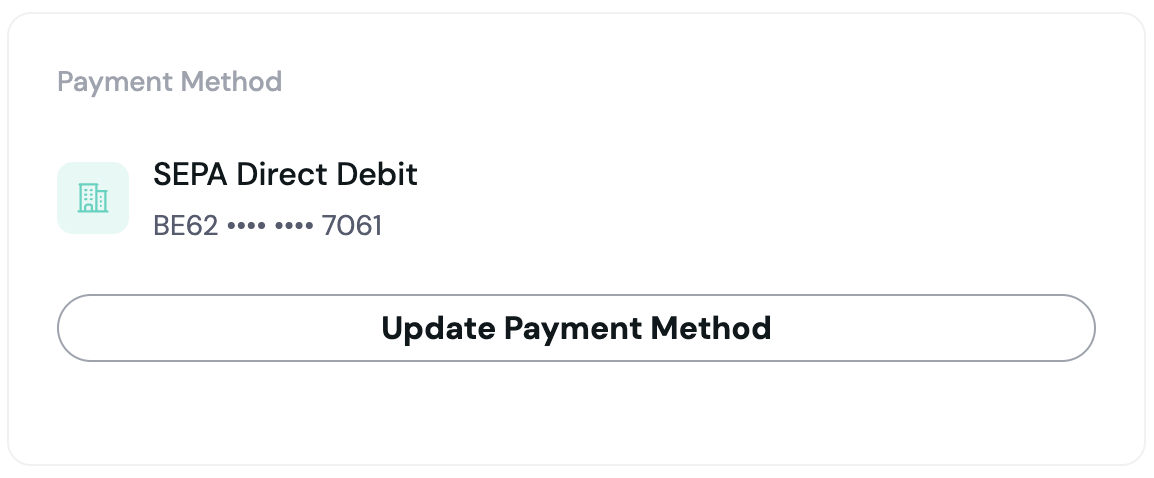
Step 4. After successfully adding your payment method through our payment provider, the added details will show up in your billing account.
Note: If you are using multiple billing entities, you can set up the payment method for each of them independently.
Built on a foundation of security
Section titled “Built on a foundation of security”Security is embedded in everything we build. Access to billing information within the HUB is strictly role-based, ensuring that sensitive data is only visible to authorised users.
As an owner, you are in full control:
- Assign billing admin roles to any number of team members
- Adjust permissions at any time to reflect organisational changes
- Ensure that sensitive billing data is only accessible to the right people
See it for yourself
Section titled “See it for yourself”Log in to fiskaly HUB to explore what is new: hub.fiskaly.com
For any questions, your fiskaly contact is always available to help.
We are continuously developing fiskaly HUB to better serve your needs. More updates are already in the pipeline — stay tuned.