From Dashboard to HUB: Understanding Your New Account Structure
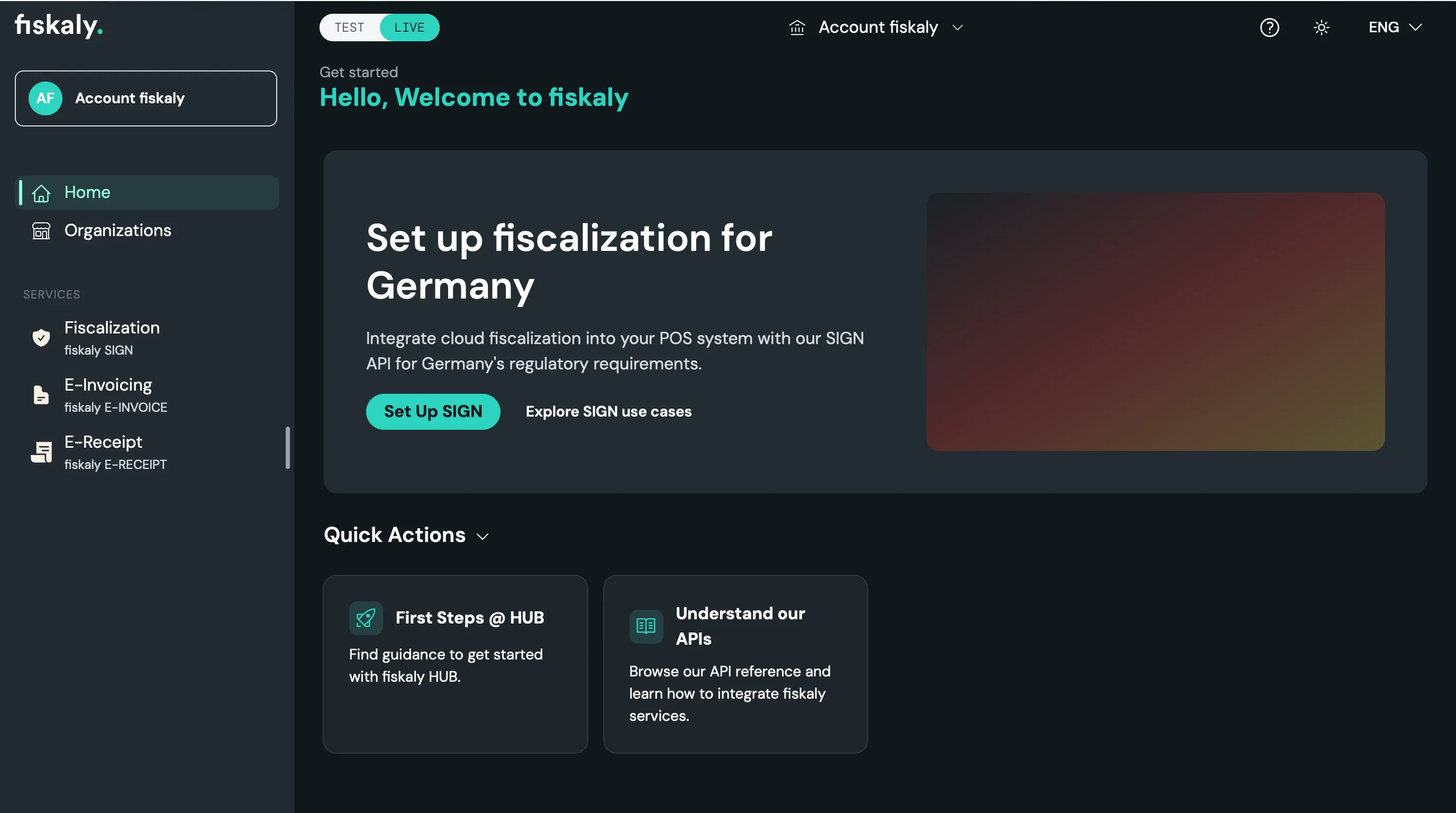

If you have been managing your fiskaly integration through the previous Dashboard, you have probably already noticed a new home for your account: fiskaly HUB. Here is what changed, why, and how your existing resources carry over.
Tip: If you already had a fiskaly user for the Dashboard, log in to HUB with the same credentials — no new registration is required. If you never had a fiskaly user before, you cannot join an Account on your own: the Owner (or a user with the User Manager role) must invite you to the relevant Account before you can access it.
Why we unified the structure
Section titled “Why we unified the structure”Across our previous Dashboard, organization concepts like Accounts, Groups, and Units were named and structured slightly differently depending on the product you used. As fiskaly has grown to cover more solutions — SIGN DE, SIGN AT, SIGN PT, E-Invoice, and more — that inconsistency made it harder to manage everything in one place.
With fiskaly HUB, the organization structure has been clarified and unified across all solutions. Every fiskaly customer now has a single Account that brings all of their organizations together in one unified view.
How the old structure maps to the new one
Section titled “How the old structure maps to the new one”If you used the previous Dashboard, your existing Accounts, Groups, and Units carry over directly into the new HUB hierarchy — the terminology is simply clearer and consistent across every product.
This terminology is specific to the HUB’s UI. Services are linked via API Keys at the Unit level, and this hierarchy is used consistently across HUB. API resource names and models may differ where required by each service’s API.
Account ownership and access
Section titled “Account ownership and access”Each Account has exactly one Owner. The Owner holds full Admin rights plus exclusive actions such as requesting LIVE activation, and can invite and manage other users and their permissions at the Account level.
- Only the Owner or a user with the User Manager role can invite new users to an Account
- New users without an existing fiskaly login must be invited before they can access anything
- Existing Dashboard credentials work as-is for logging into HUB
See the User Management guide for the full list of roles and how to invite and assign users.
What happens to your LIVE and TEST resources
Section titled “What happens to your LIVE and TEST resources”Migrating to HUB does not mean starting over:
- If your LIVE environment was already enabled in the Dashboard, all your existing LIVE resources automatically appear in HUB
- If you were working only in the TEST environment, you will need to import your TEST resources using the “Link TEST organizations” button
Either way, nothing you have already built is lost in the transition.
Get started
Section titled “Get started”Log in to hub.fiskaly.com with your existing fiskaly credentials to see your Account, Groups, and Units in the new structure. For the full breakdown of roles, permissions, and resource mapping, see the Transition from Dashboard to HUB guide.
For any questions, your fiskaly contact is always available to help.