The Account section in HUB provides a central place to view and manage your company information, contracts, and billing. It is accessible when viewing an Account-level organization.
Access to the Account section requires billing permissions. Only users with Owner or Billing roles can view this area. See User Management for the full list of roles and how to invite users and assign them.
Overview
Section titled “Overview”The Overview displays your company information and your relationship with fiskaly:
Company Information
- Legal name
- Account Owner name and email
fiskaly Relationship
- Sales representative (name and email)
- Customer since date
- Account ID
The Plans section shows your current and past contracts with fiskaly.
Your Plans displays active contracts, including:
- Contract name and status (Active or Expired)
- Billable products with unit pricing
- Contract start date
- Number of assigned organizations
Past Plans displays expired contracts with the same details for reference.
Billing
Section titled “Billing”The Billing section provides access to your billing settings and payment details. You can add and adjust your preferred payment method — choose between SEPA direct debit and credit card based on what suits your business best. Changes can be made independently and at any time.
Update your payment method
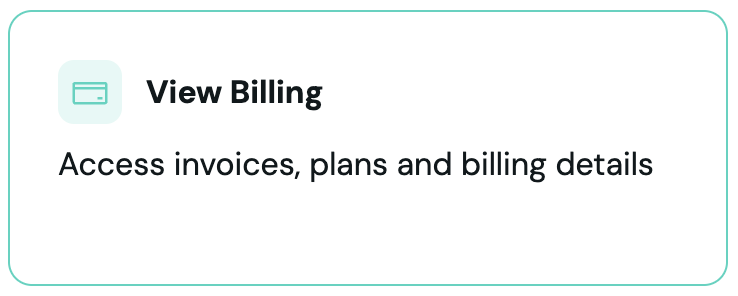
Section titled “Update your payment method”Access billing
Click on “View Billing”.
Update payment method
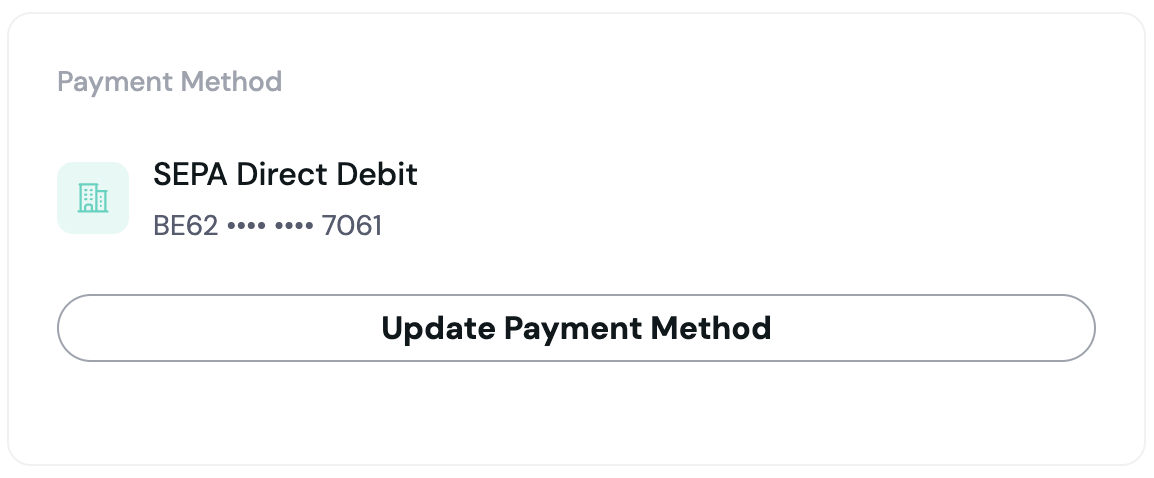
Click “Update Payment Method” and complete the process through our payment provider.
Confirm
Once added, your payment details will appear in your billing account.
If you are using multiple billing entities, you can set up the payment method for each of them independently.
Billing entities
Section titled “Billing entities”If your Account has multiple billing entities, a Billing entity selector appears at the top of the Billing section. Select a billing entity to view its specific payment method, invoices, and contract details. Each billing entity can have its own payment method configured independently.
Invoices
Section titled “Invoices”The Invoices section displays your past invoices. You can filter and paginate through the list.
Filtering:
- By year — use the year selector to show only invoices from a specific year
- By type — use the type filter to narrow results by invoice category
Invoice details include:
- Invoice number
- Billing period
- Status
- Total amount