Register
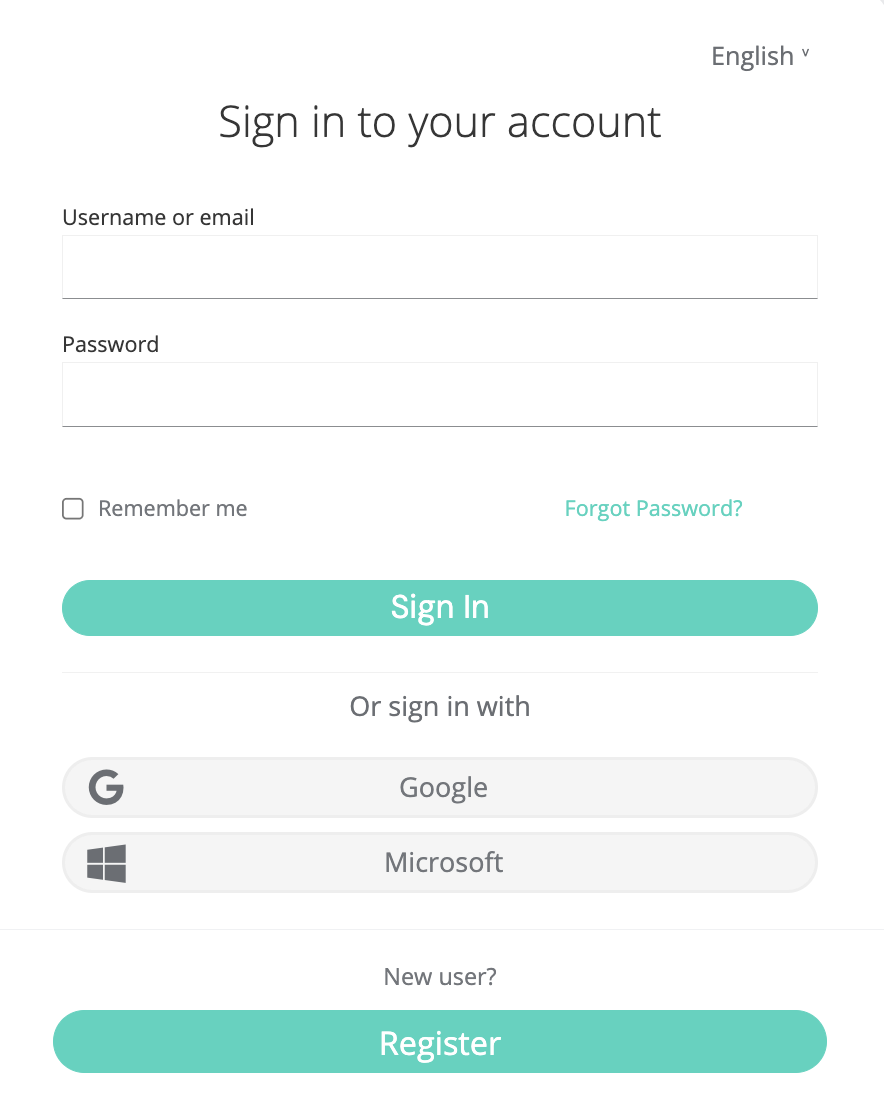
Section titled “Register”To use fiskaly HUB, you first need to create your fiskaly HUB user by signing up with your email at fiskaly HUB. Registration is free of charge and allows you to test all available fiskaly products through a secure TEST environment.
After registering, you will receive an activation email. The activation link is only valid for 5 minutes!
First login
Section titled “First login”- You can login to fiskaly HUB with your existing Email address or alternatively Google or Microsoft account.
Create an Account
Section titled “Create an Account”-
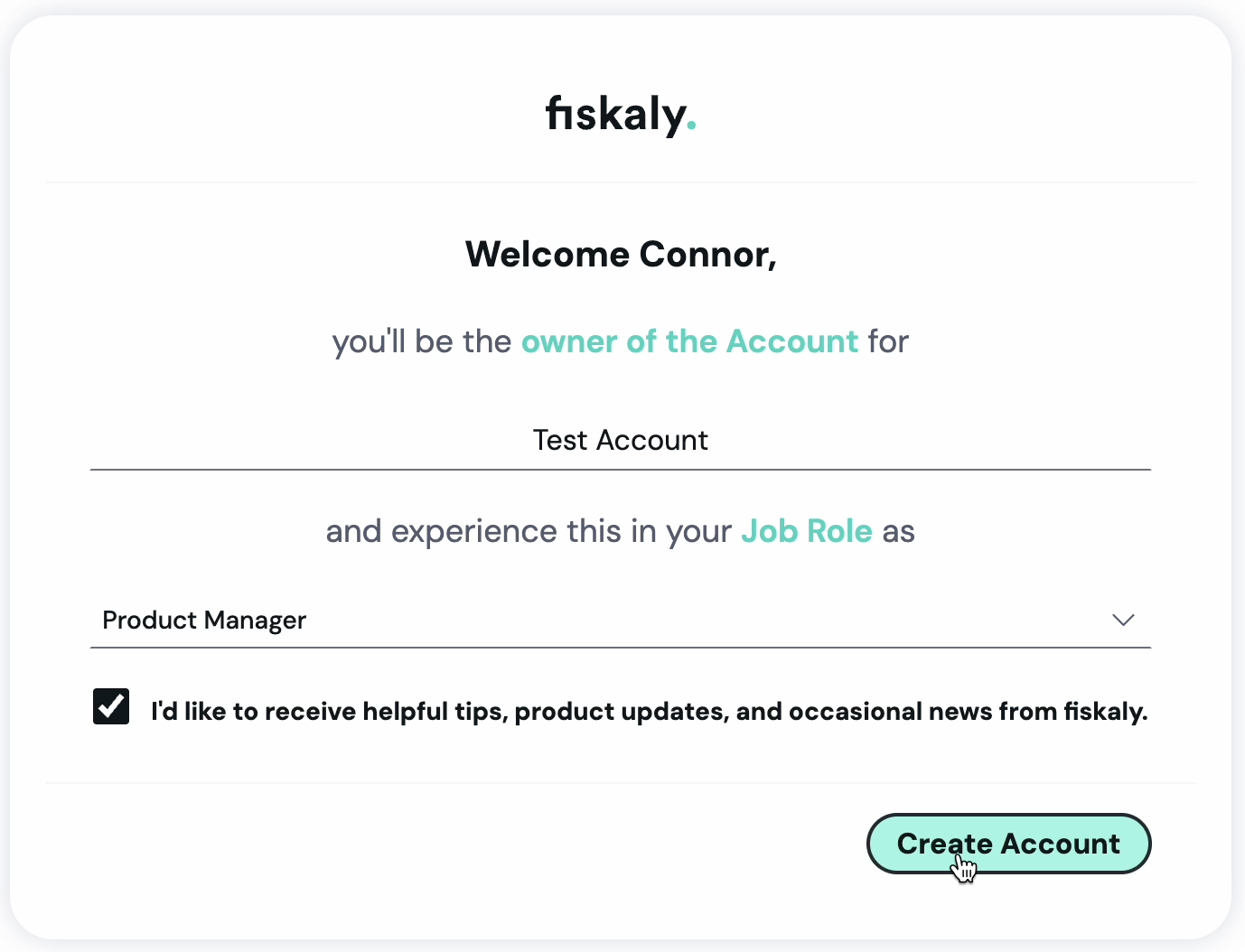
A fiskaly Account represents your organization. If you have not yet been invited to an existing fiskaly HUB Account, you can create your own.
-
Provide a name for your fiskaly Account.
Personalize
Section titled “Personalize”-
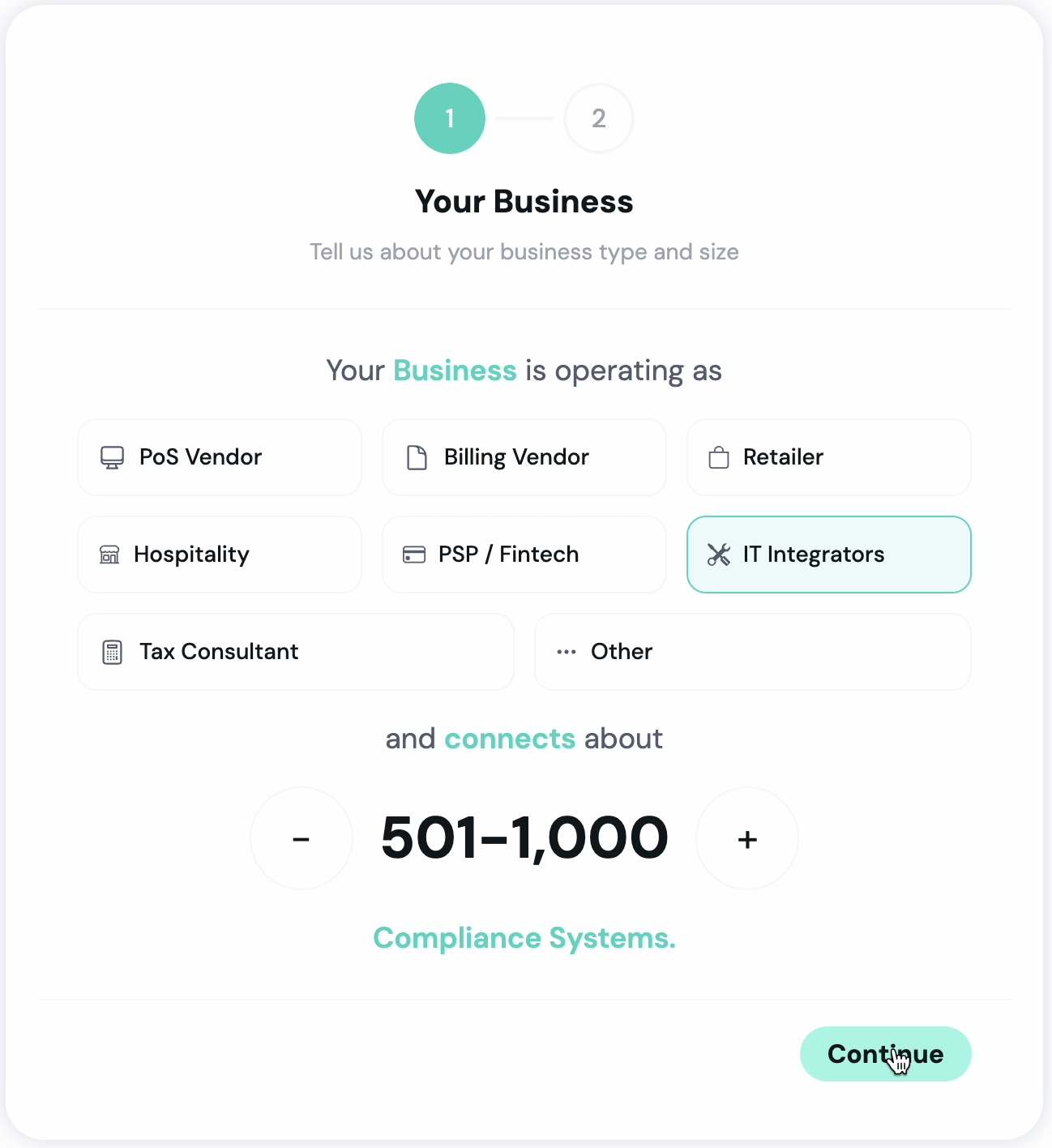
After your first login, HUB guides you through a short onboarding journey. You will be asked about your job role, your main goal with fiskaly, and the countries where you operate.
Based on your answers, HUB personalises your workspace — including the content shown on the home screen and the “What’s New” feed. You can return to or update these settings later from your profile.
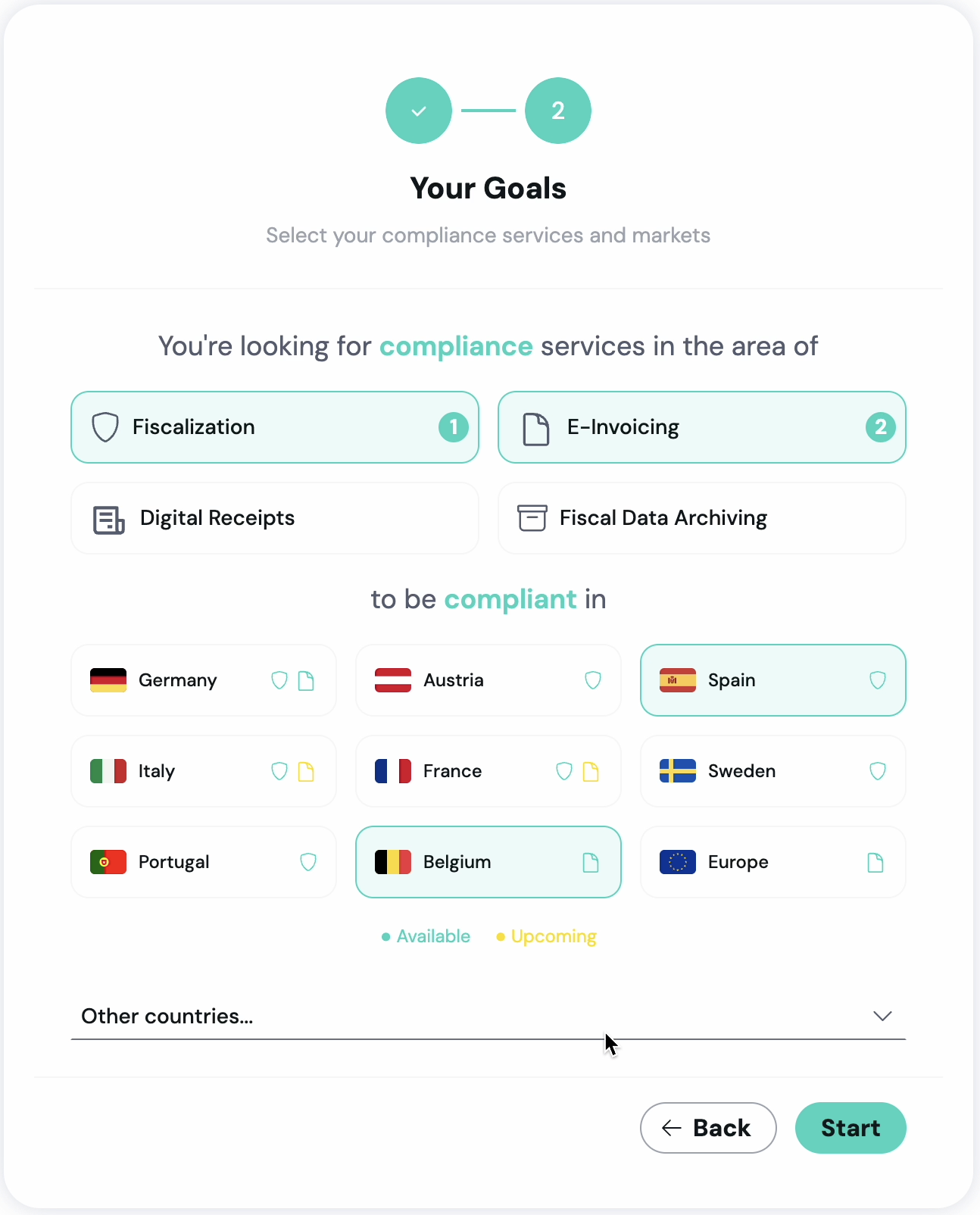
- Click “Start” to complete the initial setup.
Congratulations! You now have access to HUB!
Service Wizard
Section titled “Service Wizard”Use the Service Wizard to get started with our APIs quickly. The wizard guides you through the initial setup of your organization structure and API credentials, and generates a customized integration package for Postman. Explore the workspace and API guides to learn more about our services.
-
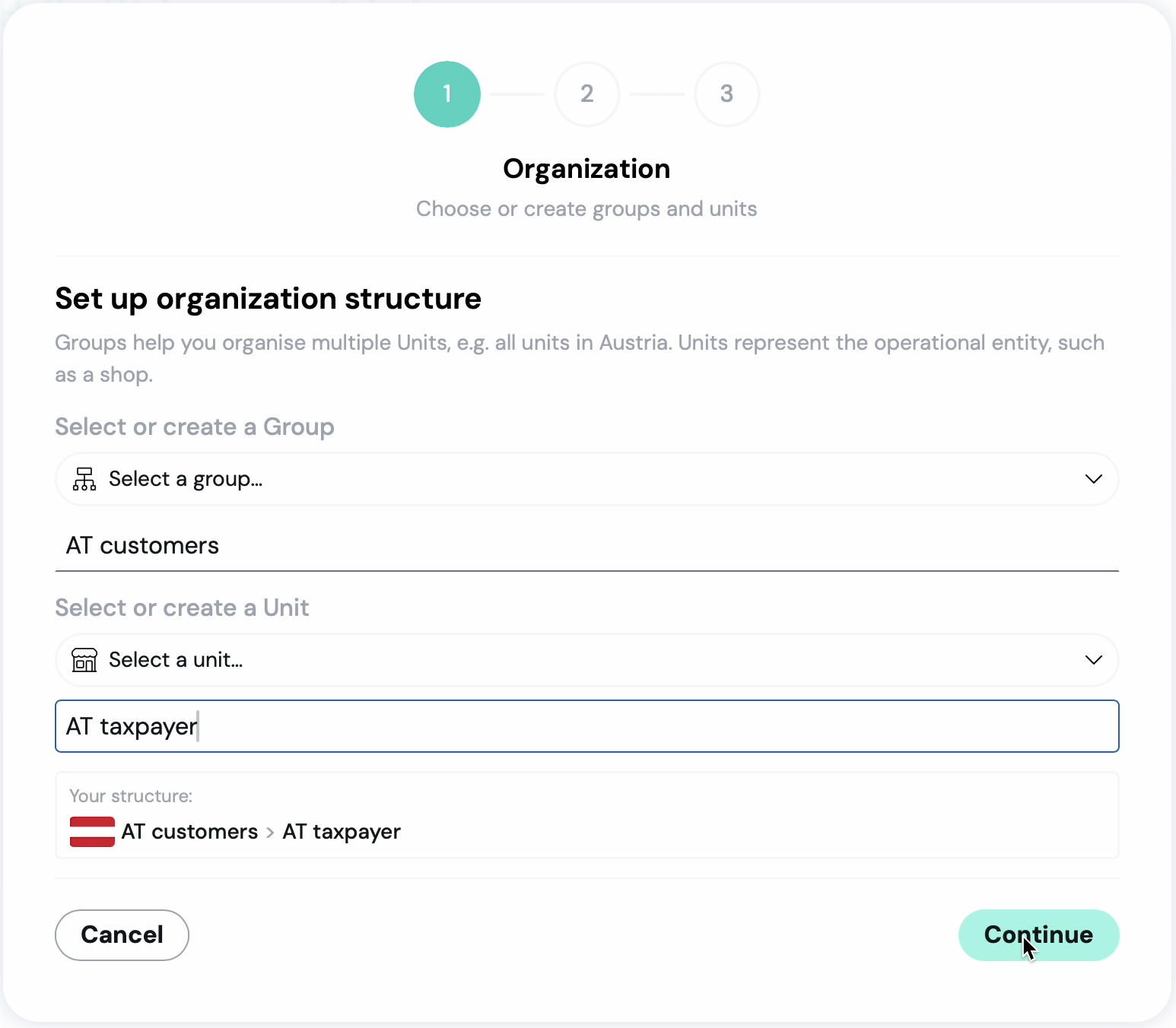
Create a Group and Unit (if required) to set up your initial organization structure. You can add more units later to onboard additional customers.
-
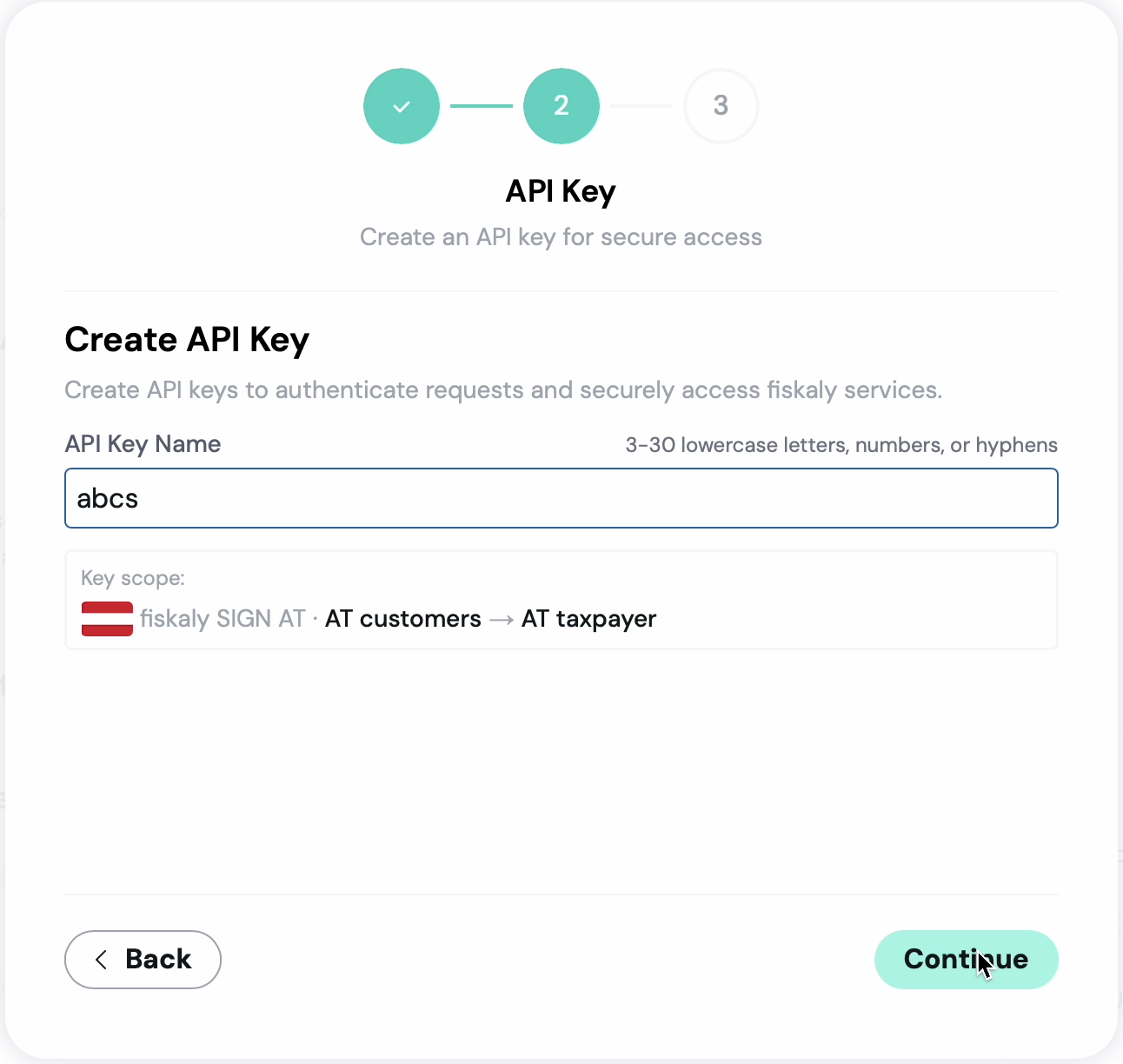
Create your first API credentials for the service.
-
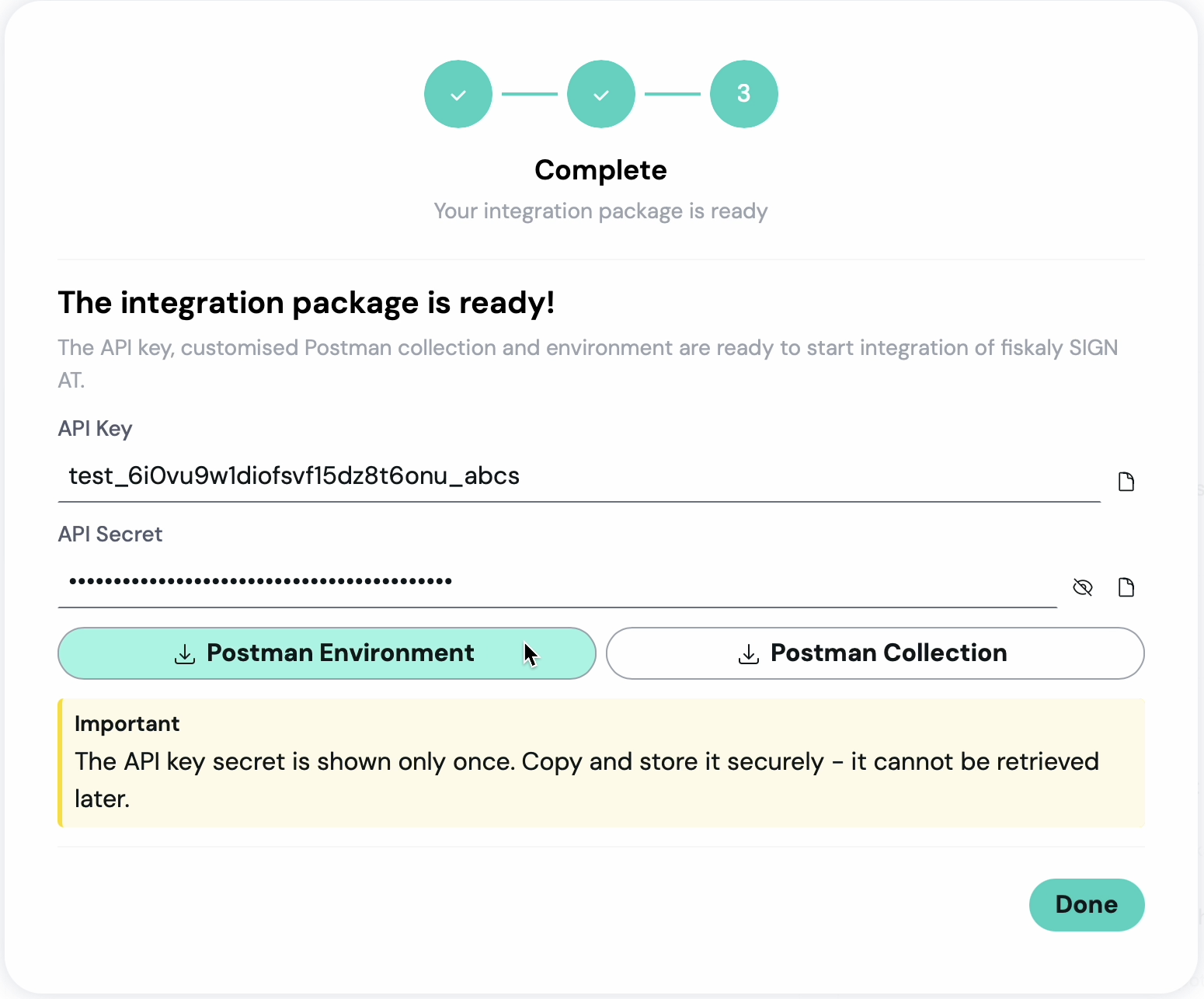
Copy your API credentials and download the integration package, which includes a Postman Environment and Postman Collection for our API. Refer to the API guide for a deeper look at all available endpoints and options.