How to update the FISCONLINE credentials
Fisconline credentials on the AdE portal expire every 90 days.
To ensure uninterrupted service, the Fisconline user authorised to act on behalf of the business must update the password before it expires by following the steps below (we recommend doing this every 60 days):
-
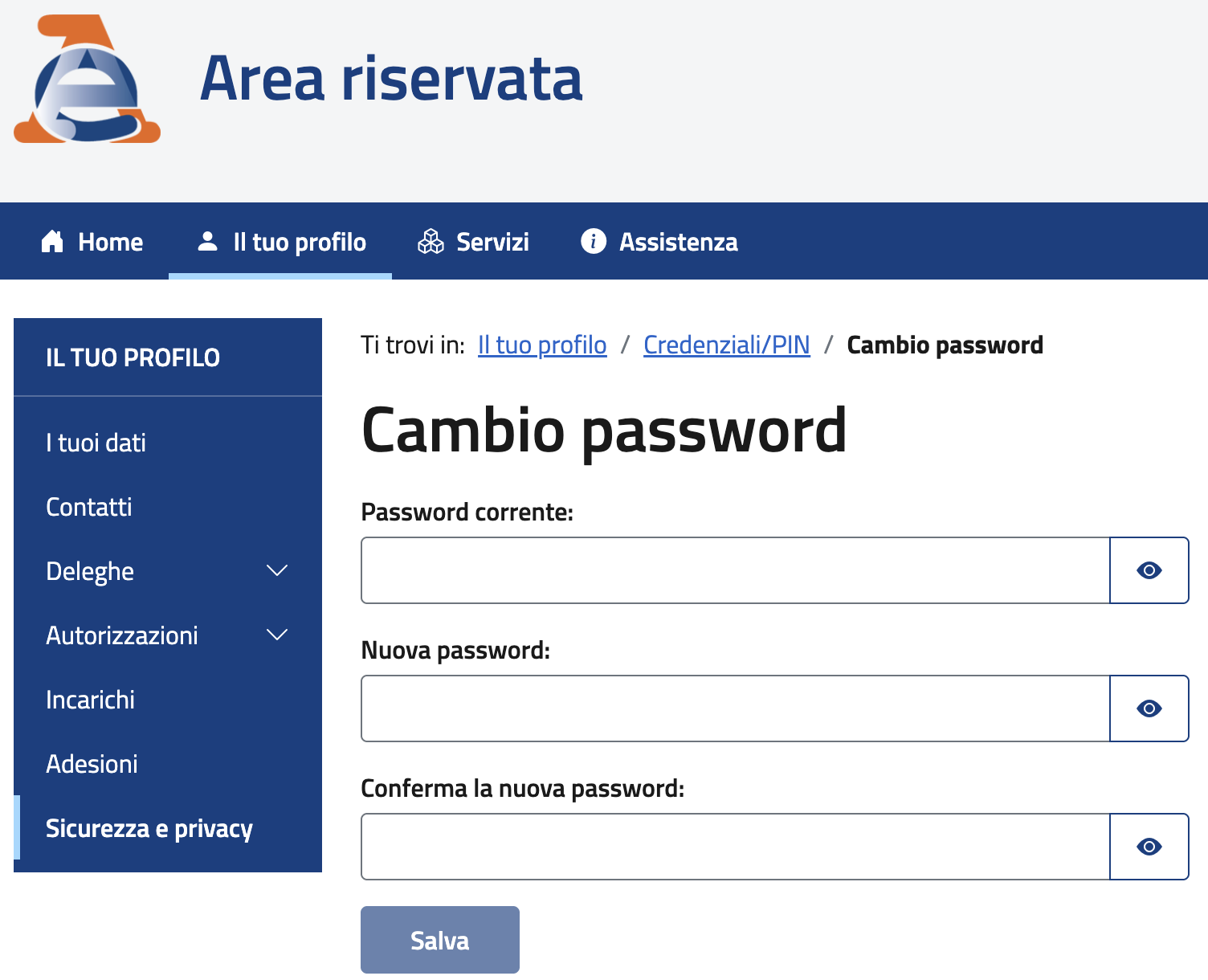
Access the AdE’s Area Riservata (Reserved Area) with Fisconline credentials and navigate to: Il tuo profilo / Sicurezza e Privacy / Cambio password.
-
Enter the current password, a new secure password and confirm submission of the form.
Once the password has been successfully updated on the AdE portal, send the updated credentials via the API by following the steps below:
-
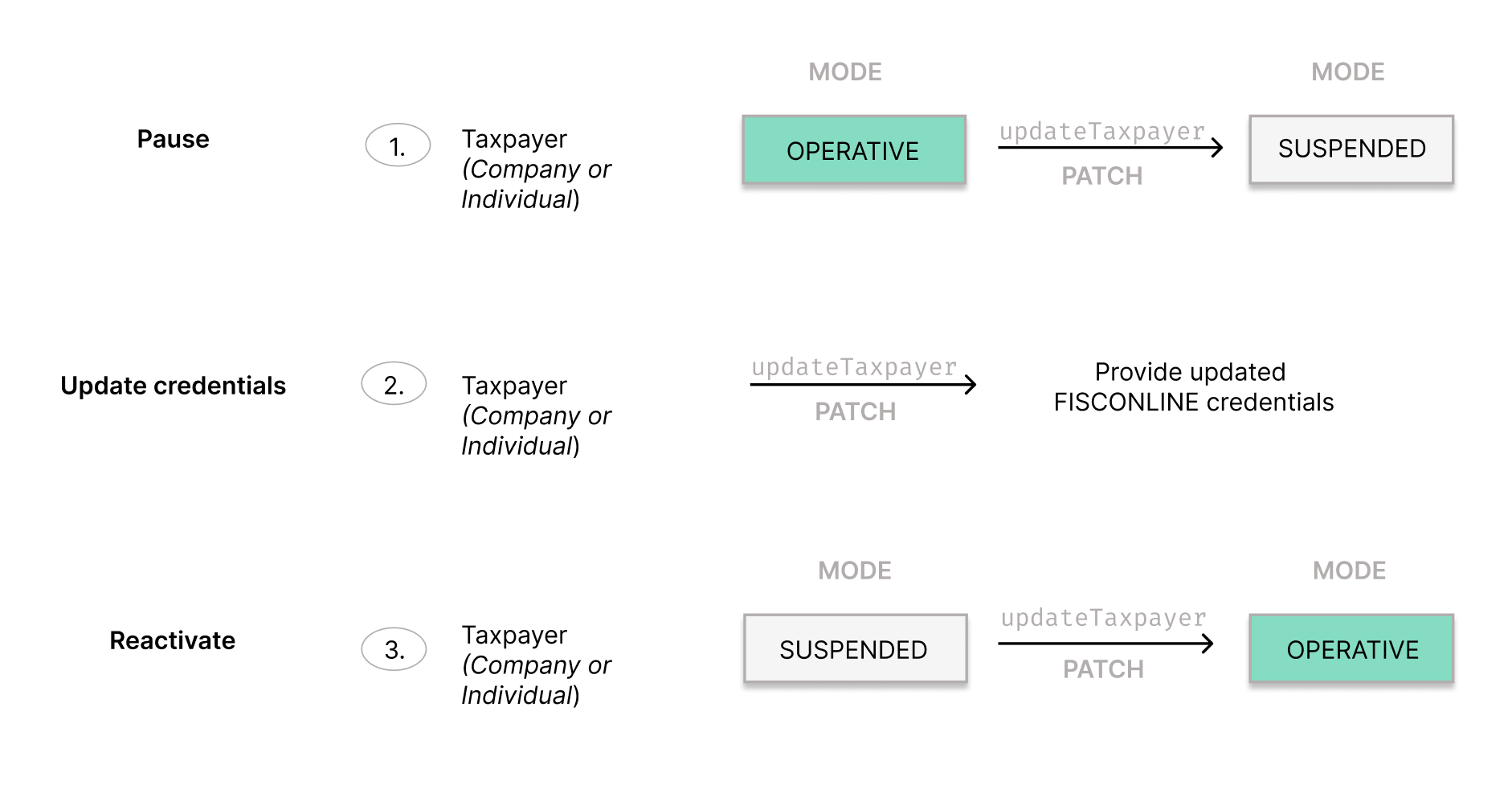
Set the
modeof the Taxpayer (formerly, Entity Company or Individual) toSUSPENDEDusing the updateTaxpayer (formerly, updateEntity) endpoint. -
Use the updateTaxpayer (formerly, updateEntity) endpoint to update the credentials. Send the full
fiscalizationblock in the request body, repeating the existing data and changing only thepassword. -
Finally, set the
modeof the Taxpayer (formerly, Entity Company or Individual) back toOPERATIVEusing the updateTaxpayer (formerly, updateEntity) endpoint.
Was this page helpful?