How to locate a commercial document in the AdE portal
Questi contenuti non sono ancora disponibili nella tua lingua.
Taxpayers can locate a specific commercial document in the AdE (Agenzia delle Entrate) portal in two ways:
**Using the ****compliance.url**
After a successful submission, the API response includes a compliance.url. Opening this link and authenticating with their credentials will bring the user to the corresponding PDF document generated in the AdE portal.
Searching manually in the Fatture e Corrispettivi portal
-
Log in to the Fatture e Corrispettivi portal.
-
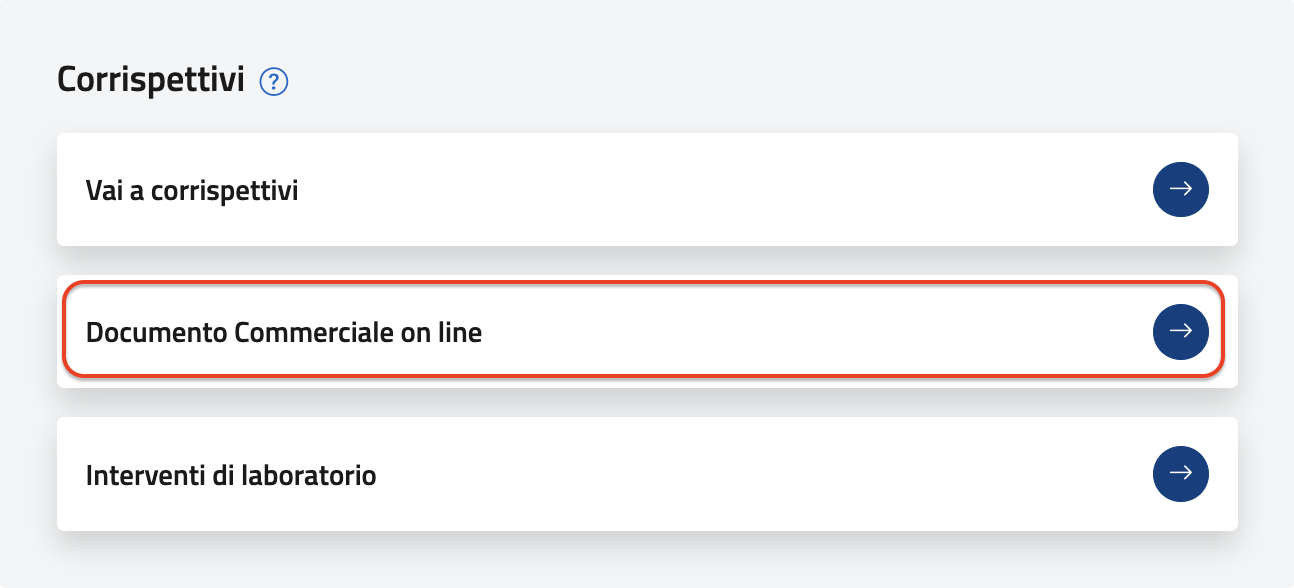
Scroll to the Corrispettivi section and select Documento Commerciale Online.
-
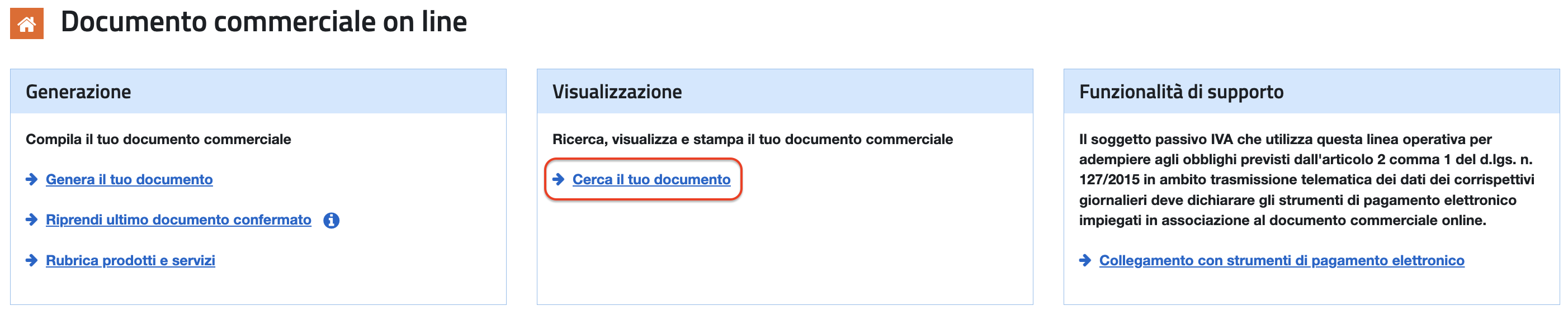
On the next page, click Cerca il tuo documento.
-
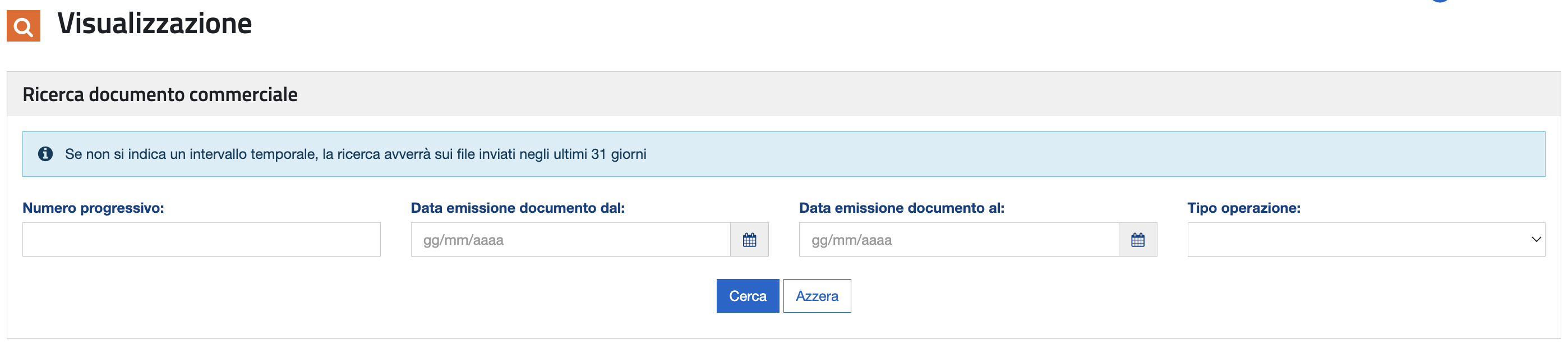
Apply the desired filters, such as: - Submission date or date range - Operation type - Progressive number (DCW)* *
If no time range is specified, the search will be performed on files submitted within the last 31 days.
Was this page helpful?