How can I issue a draft (proforma) invoice?
Esta página aún no está disponible en tu idioma.
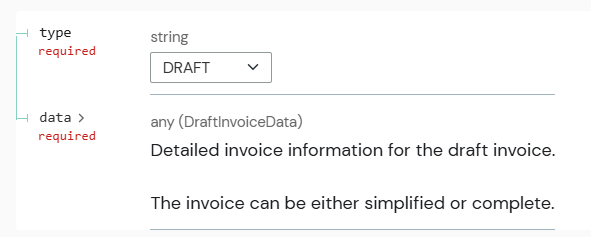
You can issue a draft (proforma) invoice via the SIGN ES API by creating a** non-fiscal document **marked as a draft. This is applicable to simplified or complete draft invoices.
This type of document is not transmitted to the tax authorities (Verifactu or TicketBAI) and is intended for informational purposes only — for example, providing a quote or estimate before finalizing a sale.
To create a draft invoice using the SIGN ES API:
-
Send a request to the Create an invoice endpoint.
-
Indicate an in invoice type
DRAFT -
Provide the same payload structure as for a
SIMPLIFIEDorCOMPLETEinvoice.
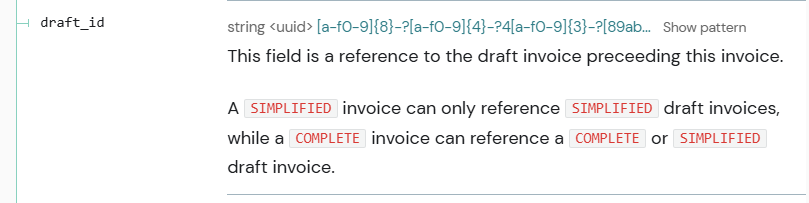
For traceability purposes, we recommend that you link all invoices (simplified/complete) to the draft created beforehand (if any exists). This can be done through the draft_id field, where a uuid of the already generated draft in SIGN ES API can be provided.
Was this page helpful?